Your Google reviews, together
See the feedback.
Connect the Google Business Profile you manage and sync its reviews into your account. Browse ratings, comments and existing replies together.
Google review management
Shmo Reputation
Someone took a minute to talk about your business. Find their review, consider their words and write a reply that sounds like you.
Eligible paid-account access required. Separate from physical products.
 Your words matter.
For the conversation after the visit
A thoughtful thank-you. An answer to a question. A chance to listen. Bring your Google reviews together and give each conversation a little attention.
Connect the Google Business Profile you manage and sync its reviews into your account. Browse ratings, comments and existing replies together.
Search by reviewer or comment. Narrow the view by rating or time period to find the thoughtful thank-you or the question you want to answer.
Write your response and choose when to post it to the Google review. You decide what to say. The workflow described here is manual.
Different jobs. One family.
Review cards and signs help customers reach your page. Reputation helps you read and reply afterwards. They do different jobs, and are purchased separately.
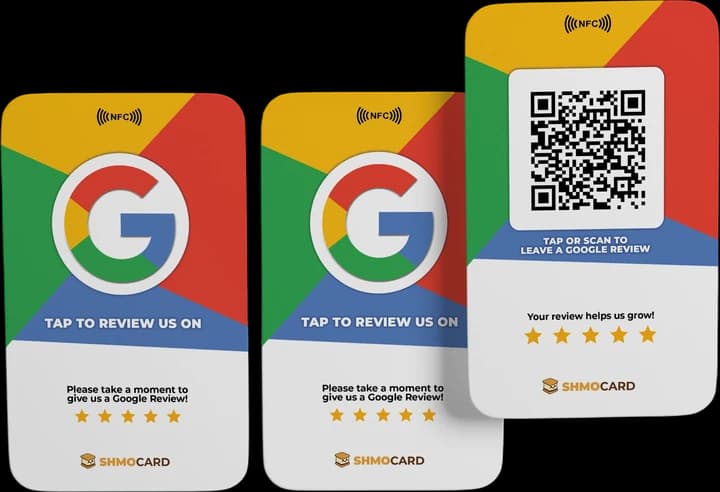
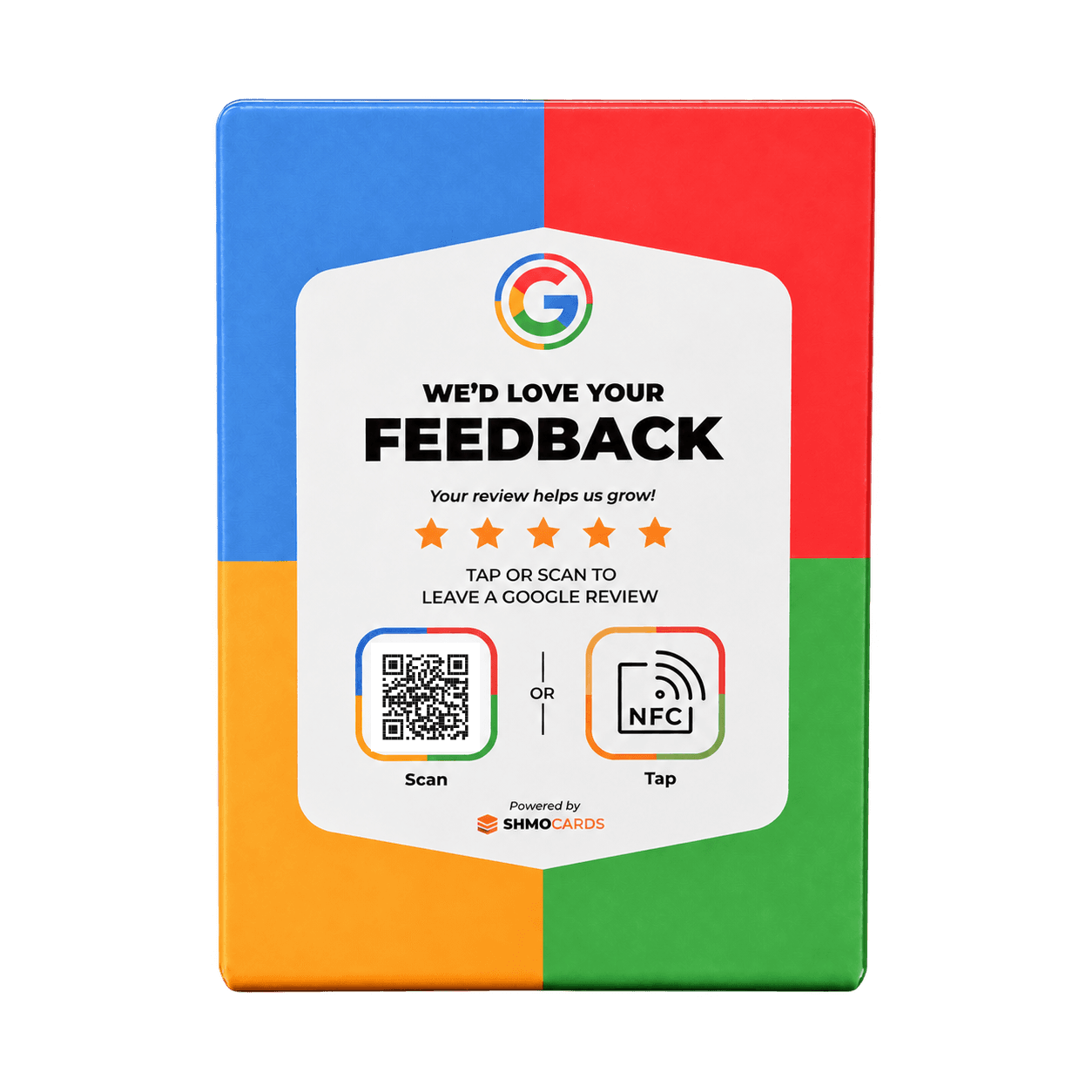

Physical review products shown. A product purchase does not include Reputation access. L-sign QRs are demonstration codes.
The useful little details
Reputation is for businesses with an eligible account and a Google Business Profile they manage.
Log in to get startedIt’s all connected
Make your review page easy to reach with a ShmoReview card or sign. Then keep up with the conversation through your eligible Reputation account.
Meet ShmoReviewYou need an eligible paid ShmoCard account with Reputation access and a Google Business Profile you manage. Organization accounts may also require an administrator to enable the feature.
No. This page describes the manual workflow: you write the reply and choose when to send it. Automated AI replies are not included in this offer.
The page covers Google Business Profile reviews. It does not offer Yelp, Facebook or other review platforms through this workflow.
No. Cards, signs and plaques are physical products. Reputation is separate software that requires eligible paid-account access.
Log in to check the access available to your account. For a new setup or team, email hello@shmocard.com so we can help you check what you need before you buy.
Shmo Reputation
Open your account, or get a hand finding the right setup for your business.
Log in to get startedEligible paid-account access required. Separate from physical products.