Illustration of a ShmoCard pass in Apple Wallet. Pass appearance and details are shown as an example.
Apple Wallet
A place for your business in their Apple Wallet.
Give customers a way to save your ShmoCard information as an Apple Wallet pass. Wallet passes are part of the paid plan and work with pages linked to a ShmoCard card, badge or sign.
Illustrative password prompt for a selected link. The example shows the idea, not a live customer page.
Password-protected links
Save a little something for your chosen crowd.
Put a passcode before a selected link on your ShmoLink page. Share it with the people you want to invite to an offer, preview, or extra. Passcodes are part of the paid plan.
A useful extra, just for youA little more to take home.
you@example.com
Open the guide ↗
Enter your email to open the care guide.
Illustrative email gate for a download. This demonstration does not collect or submit an email address.
Email opt-in buttons
Give them a reason to leave their email.
Offer something useful behind a ShmoLink button. Visitors enter their email before opening the link, whether it leads to a guide, a download, or a customer offer. Email opt-in buttons are part of the paid plan.
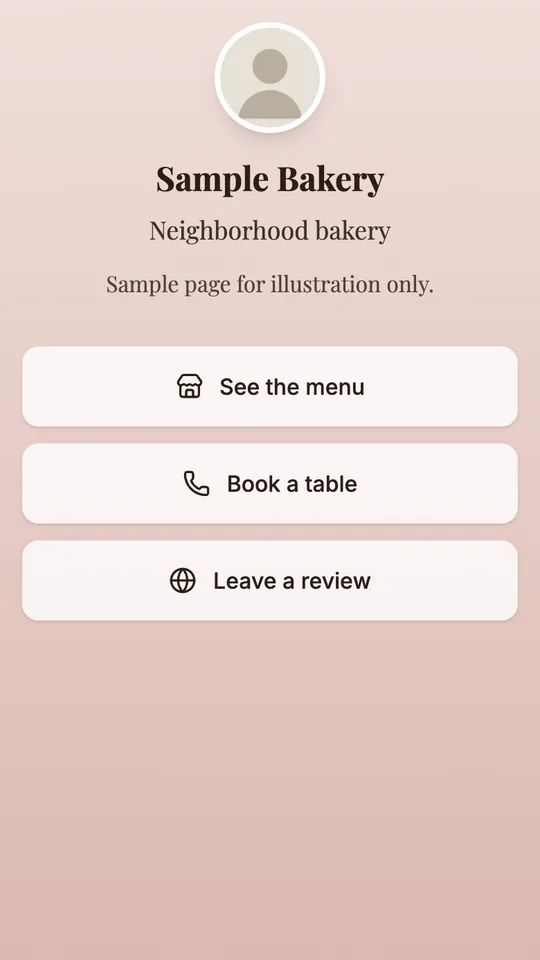
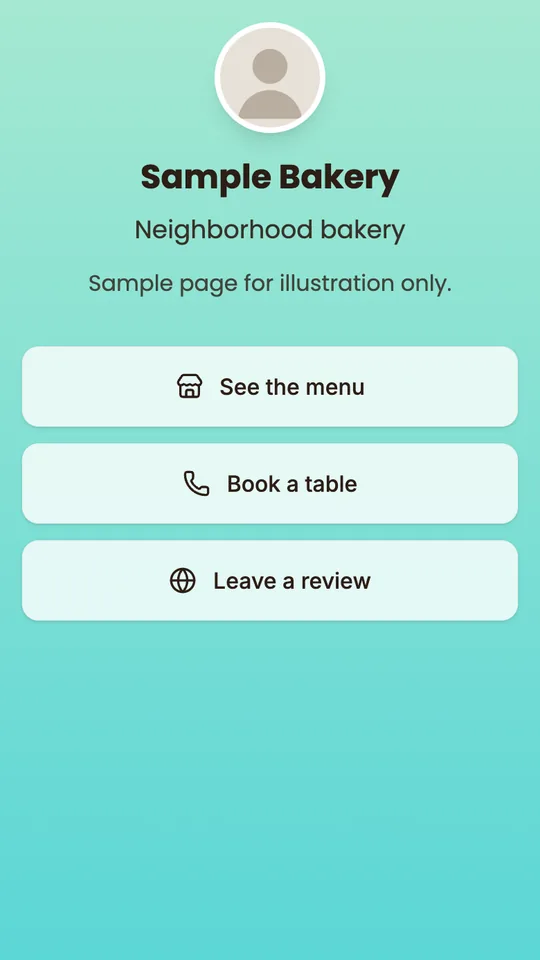
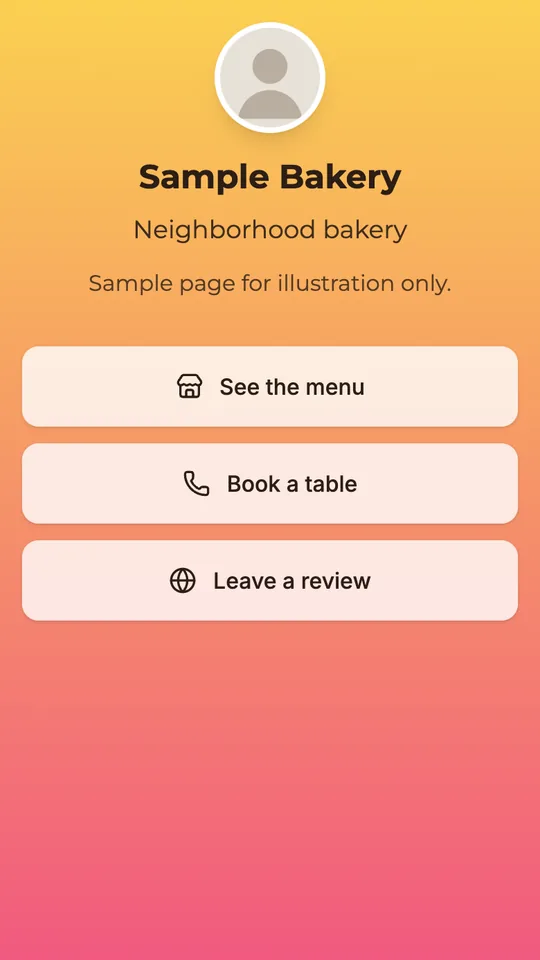
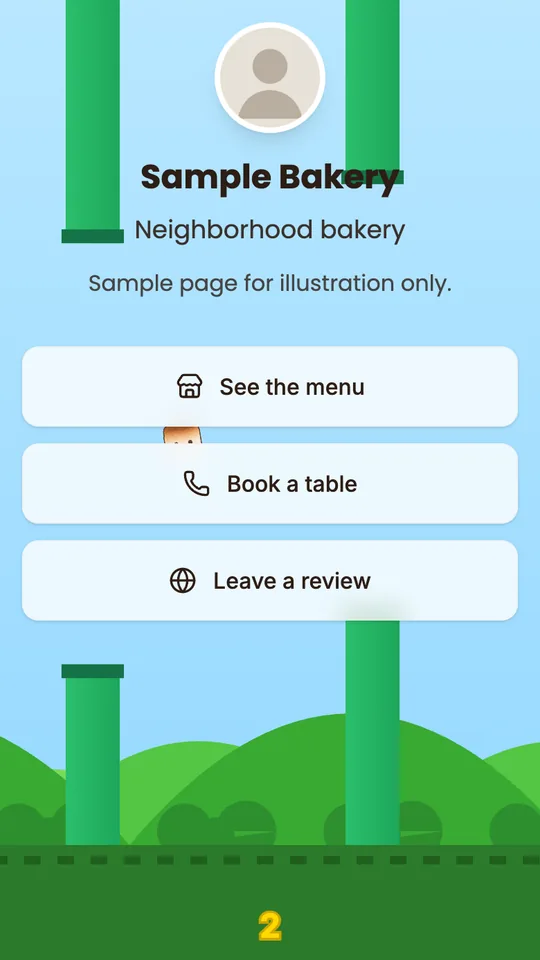
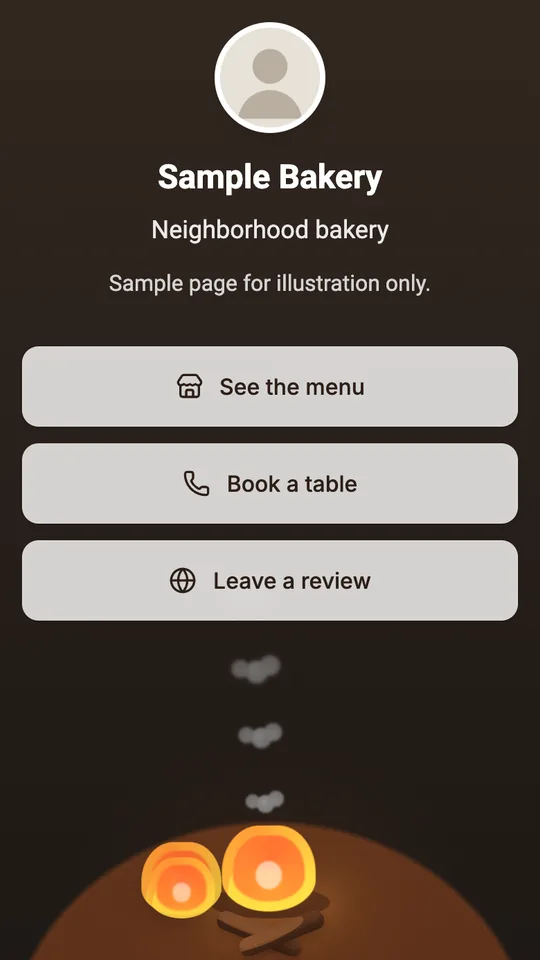
ShmoLink themes from the app, shown with sample content. These appear on your page, not on a printed card or badge.
Themes and button styles
Your links. Your look. Your kind of fun.
Make your ShmoLink feel like you with the themes and button styles in the ShmoLink builder. Free themes come with every account, some of them animated. More themes and extra button styles are on the paid plan.
Illustrative tap counts. Any sample data is for demonstration and does not represent customer results.
Card tap counts
See what gets the next tap.
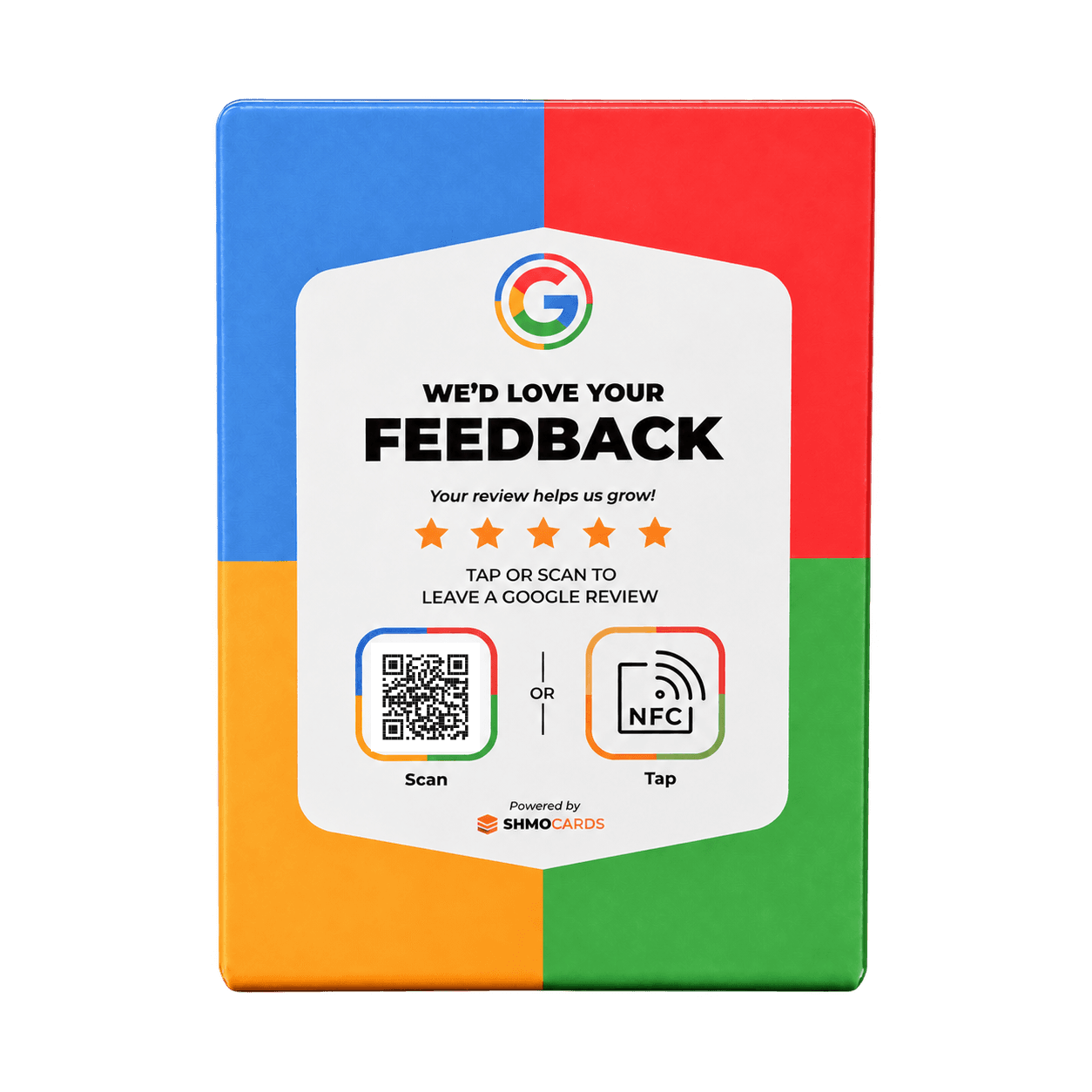
See how often each of your ShmoCard cards, badges and signs gets tapped or scanned. Counts cover cards that open your Google review page, a custom link or a Facebook group. Free with every account.

 Hello again.