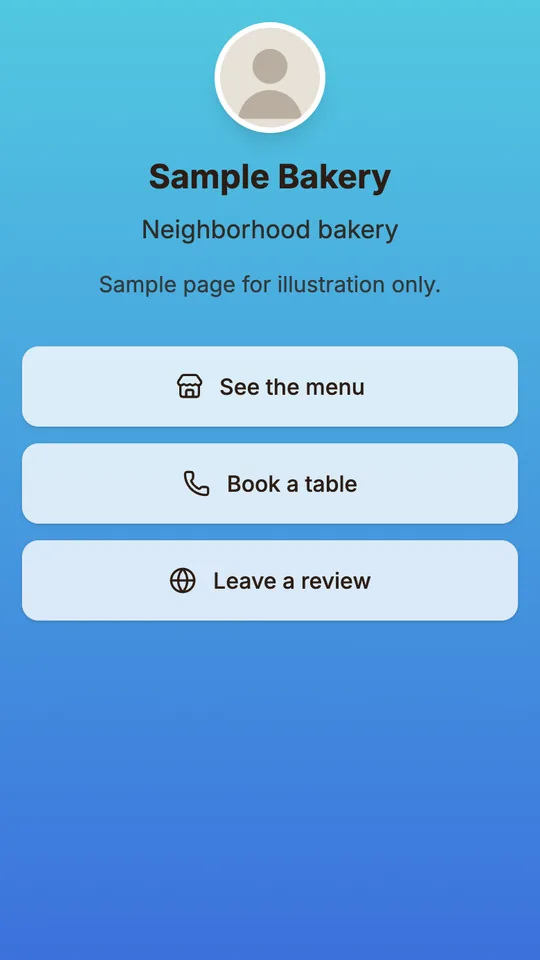
 ShmoLink theme from the app. Sample content.
Your tools, together
Keep the tools you love.
Link to your existing booking app, website, shop and social profiles. ShmoLink brings the links together without moving your business into another system.
Your free link page
ShmoLink
Your menu. Your next appointment. Your little corner of the internet. Bring the links that matter together on one page that feels like your business.
Free account. More themes and some extras are on the paid plan.
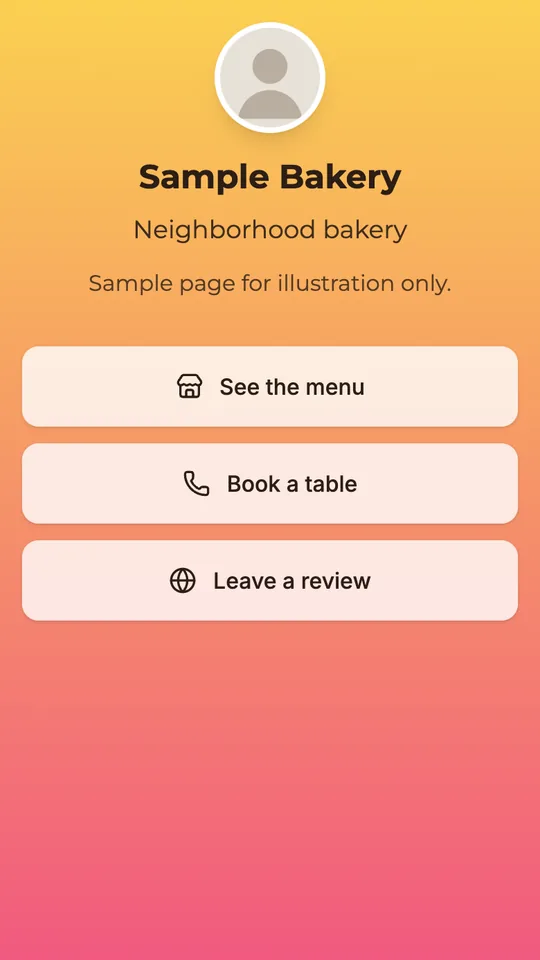
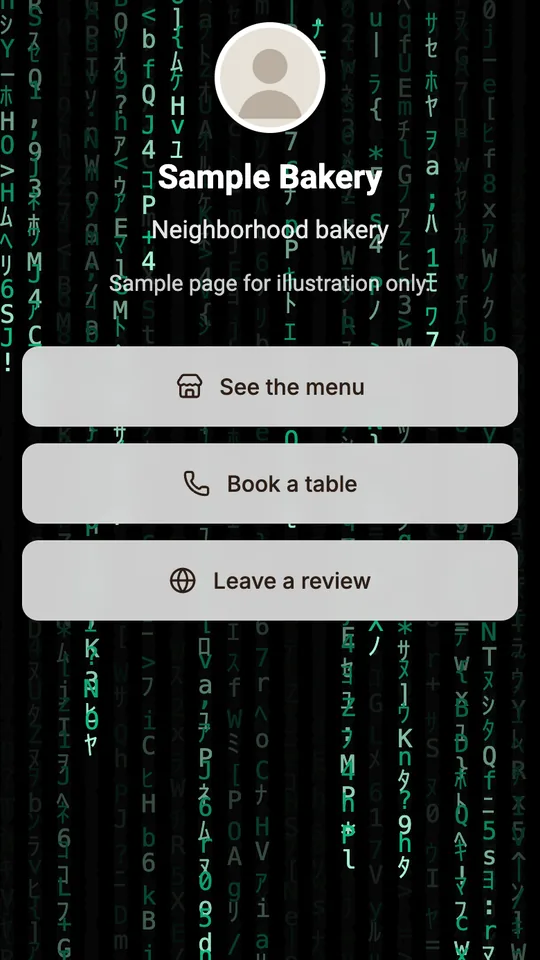
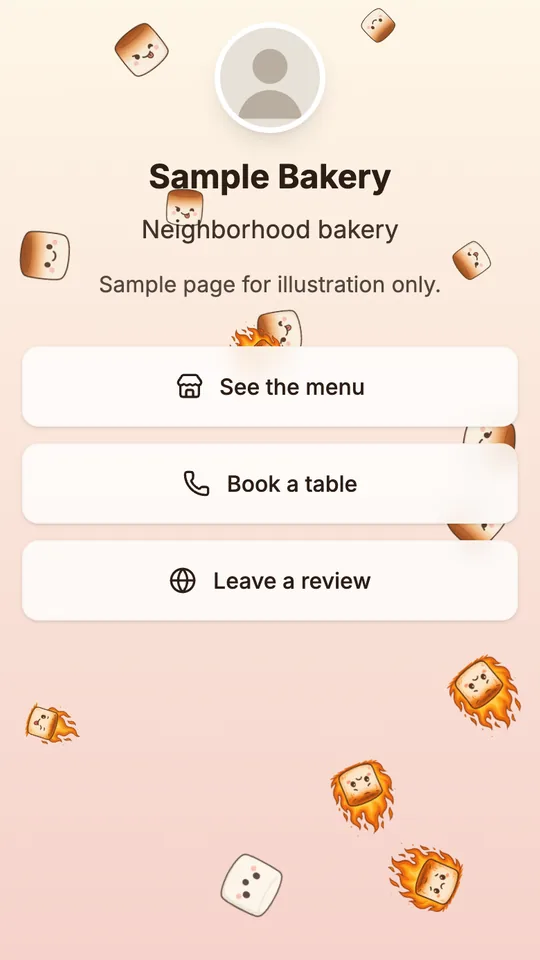
A little less QR chaos
One for the menu. Another for booking. One more for Instagram. Put those destinations on a single ShmoLink page and give people one place to start.
ShmoLink theme from the app. Sample content.Link to your existing booking app, website, shop and social profiles. ShmoLink brings the links together without moving your business into another system.
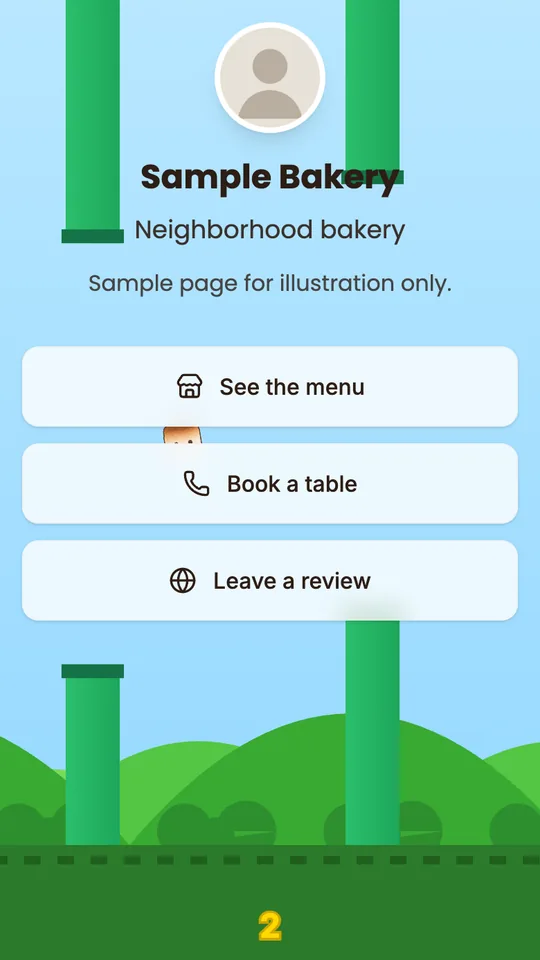 ShmoLink theme from the app. Sample content.
Pick a theme, a button style and your photo. Free themes come with every account. Creators, individuals and side projects are welcome too.
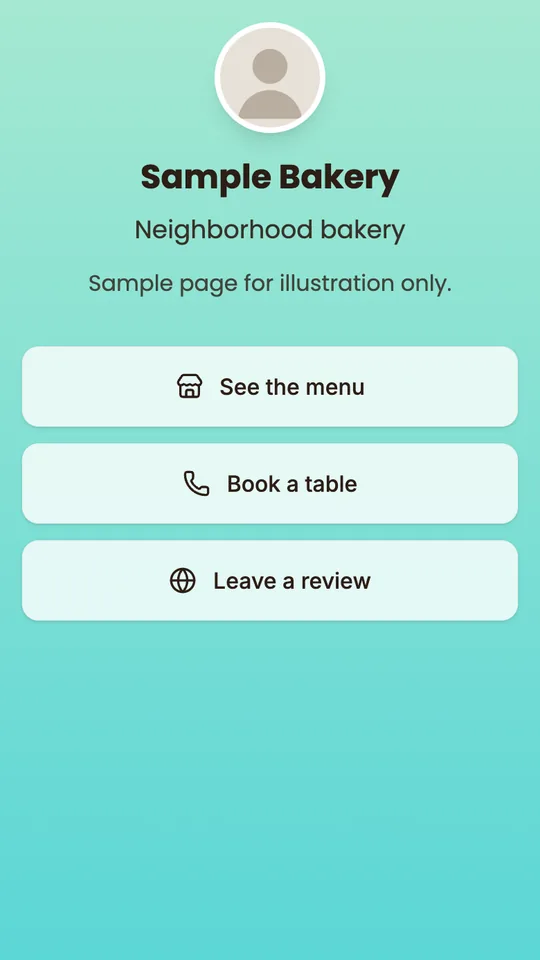 ShmoLink theme from the app. Sample content.
Add a new menu, listing or promotion yourself. As long as your page address stays the same, the QR code that points to it can keep working.
A closer look
Every theme in the ShmoLink builder, from soft gradients to little arcade games. Find the one that feels like you.
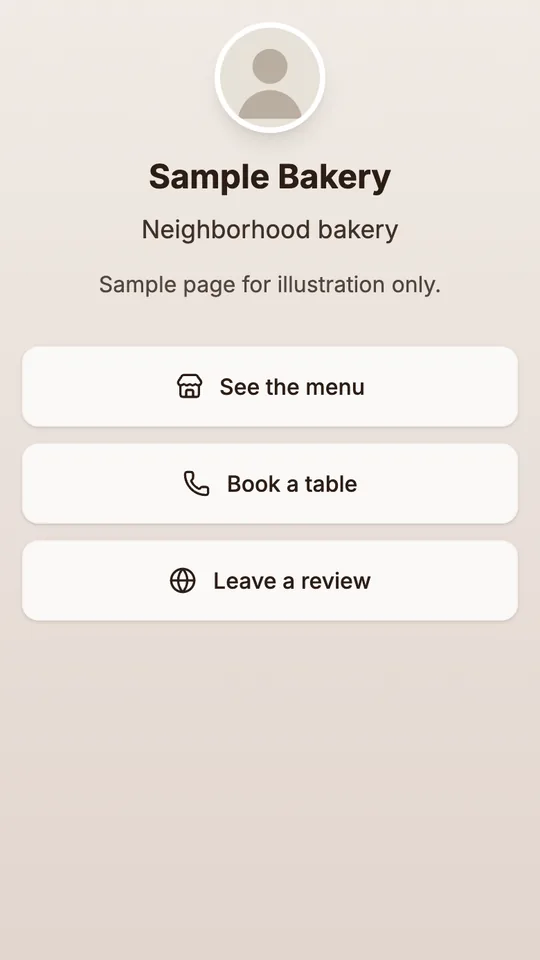
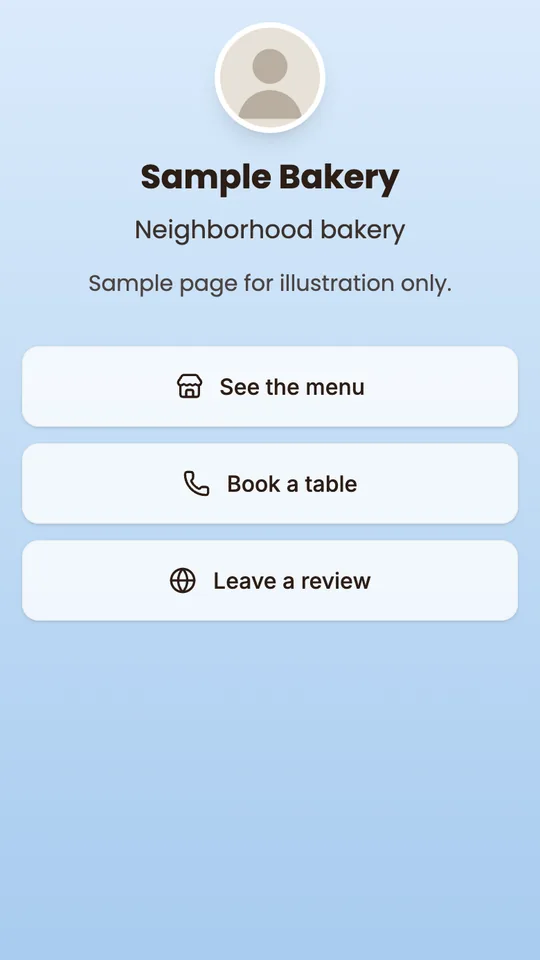
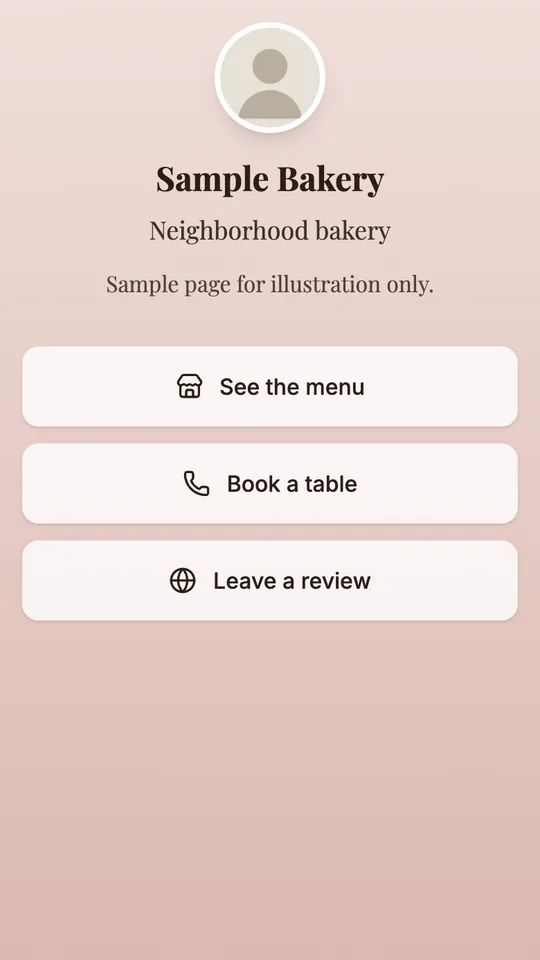
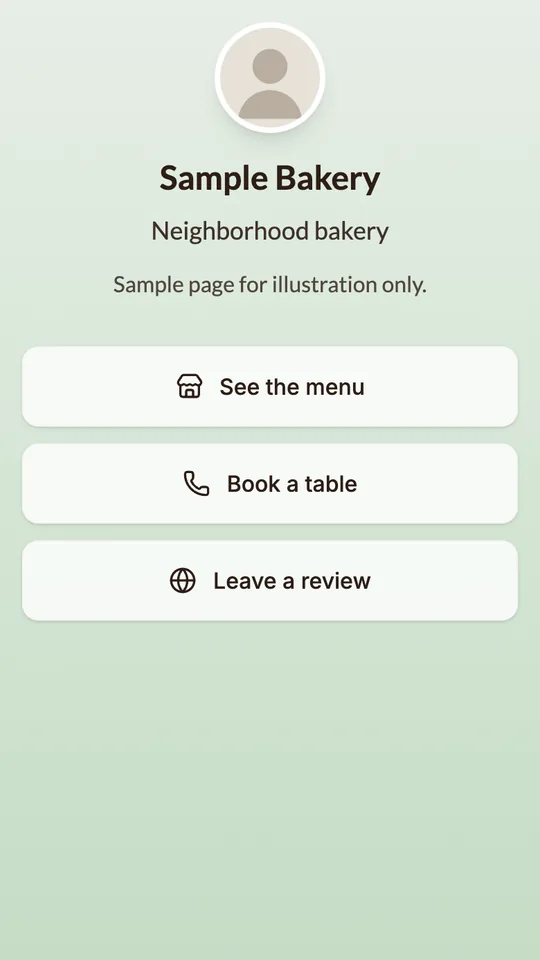
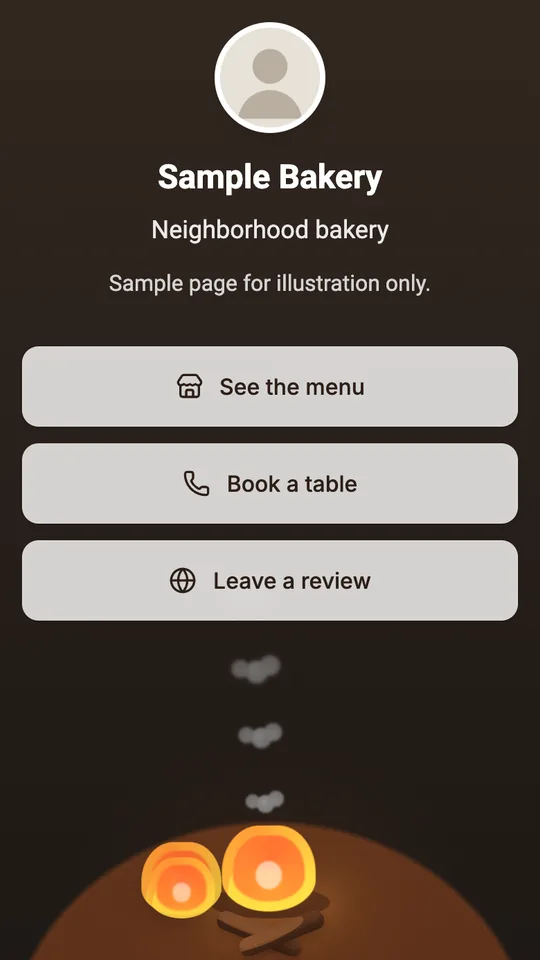
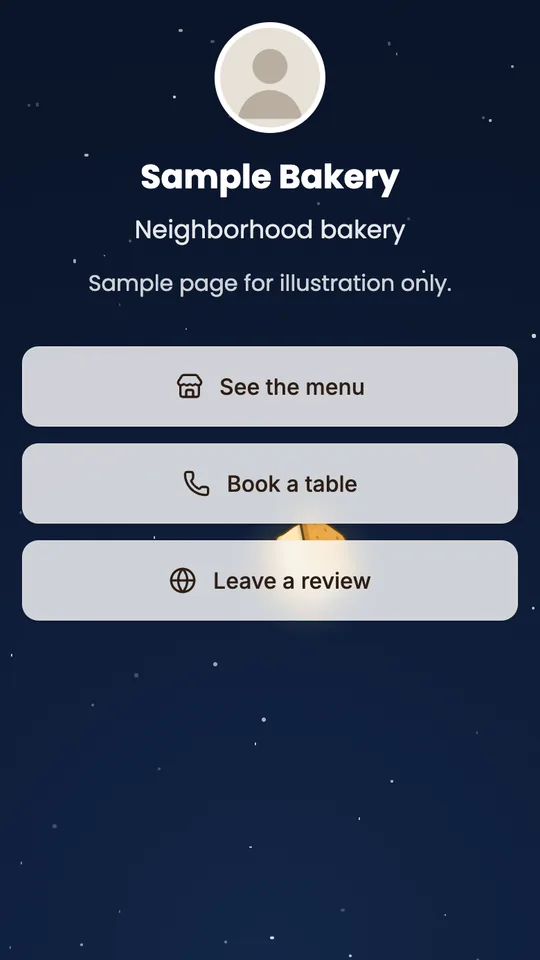
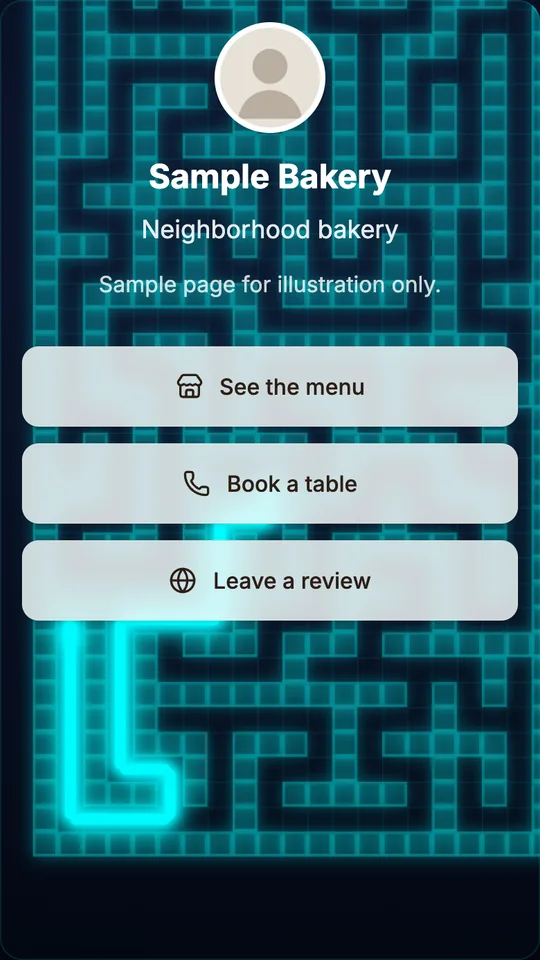
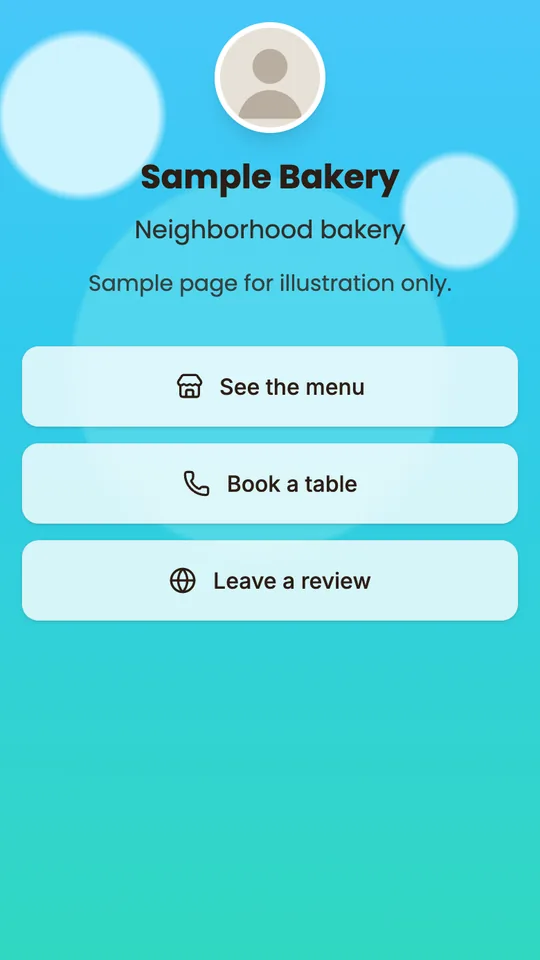
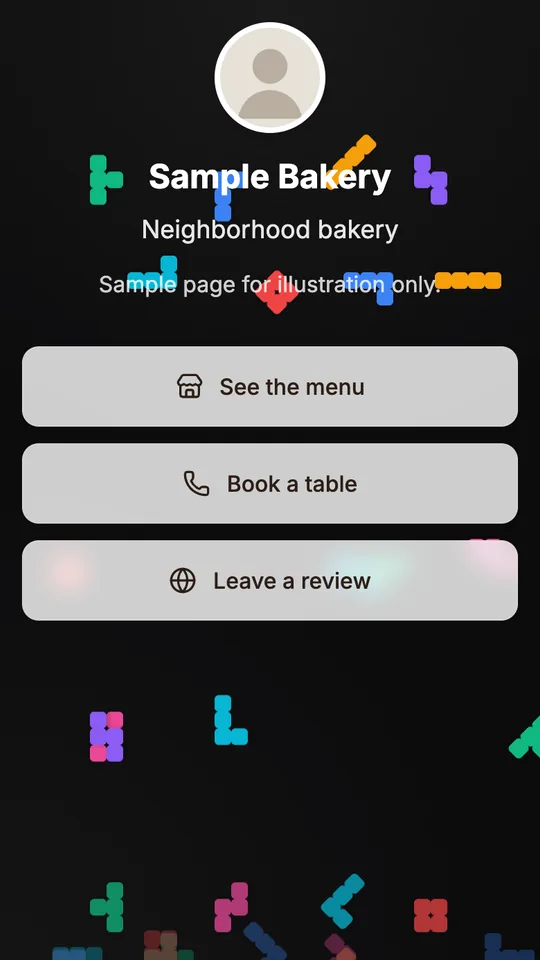
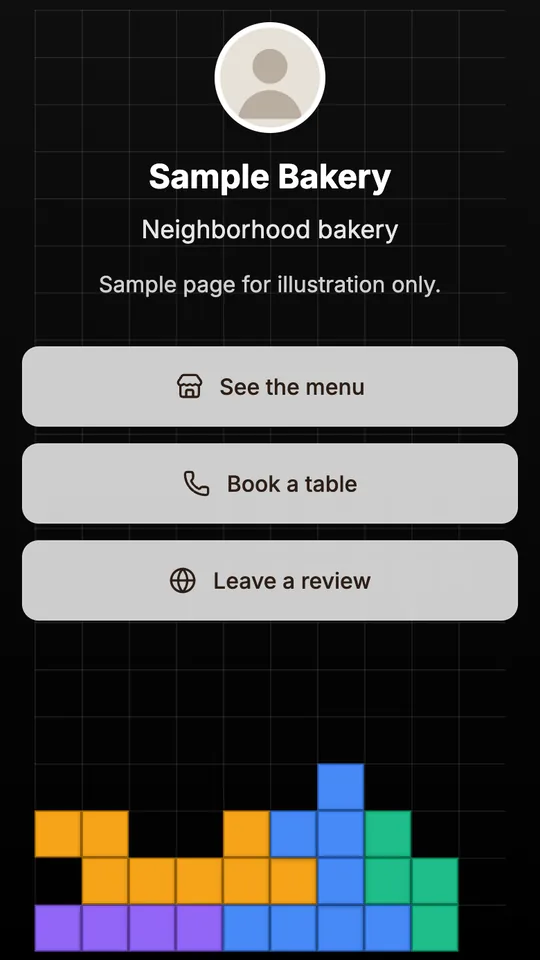
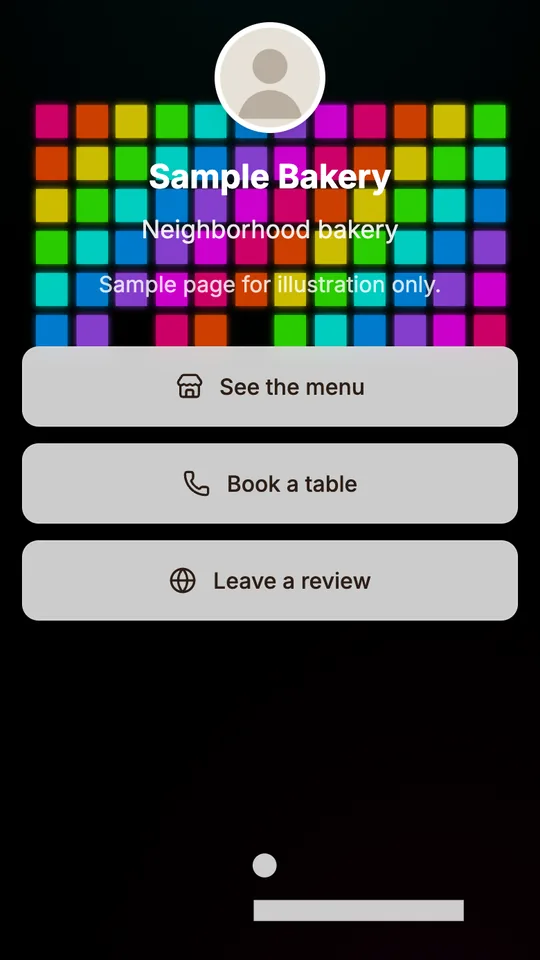
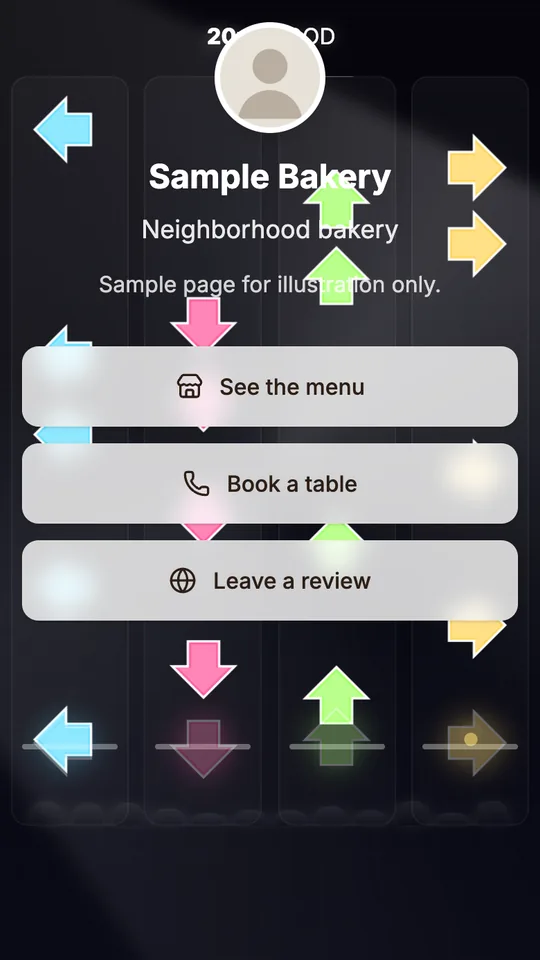
ShmoLink themes from the app, shown with sample content. Animated themes are shown as one still frame, and dark themes with their text set to white, a free setting.
See the themes and button stylesThe useful little details
Start with a free account. Then bring the links and personality.
Create your free pageIt’s all connected
Use ShmoLink on its own, or make it the destination for a ShmoBiz card or ShmoBadge. Different ways to share, one personal place to land.
Meet the ShmoCard familyThe account is free and includes free themes. More themes and some extras are on the paid plan. Physical cards, badges and signs are separate purchases, and you do not need one to use ShmoLink.
No. Add links to the tools you already use. Adding a booking button does not move appointments into a new booking system.
Yes, when that QR code opens your ShmoLink page and you keep the page address, including its username, the same. Change the links on the page instead of changing its address.
Local businesses are our starting point. Individuals, creators and side projects can use a page for their links too.
A giveaway link, yes, on the paid plan: set when it opens and closes. A whole holiday page can't be scheduled; update it yourself.
ShmoLink
Bring your links. Add your personality. Give people one place to find the rest.
Create your free pageFree account. More themes and some extras are on the paid plan.